Marstek
Omnibattery supports Marstek Venus E/C, Venus A and Venus D batteries. The connection can use Modbus TCP, Modbus RTU over USB–RS485, or a LilyGo RS485 bridge running the supported ESPHome firmware.
Connection options
For Modbus TCP, Venus E v2 normally needs an RS485-to-TCP converter such as an Elfin-EW11. Venus E v3, Venus A and Venus D provide native Ethernet. For Modbus RTU, connect a USB–RS485 adapter to the Home Assistant host.
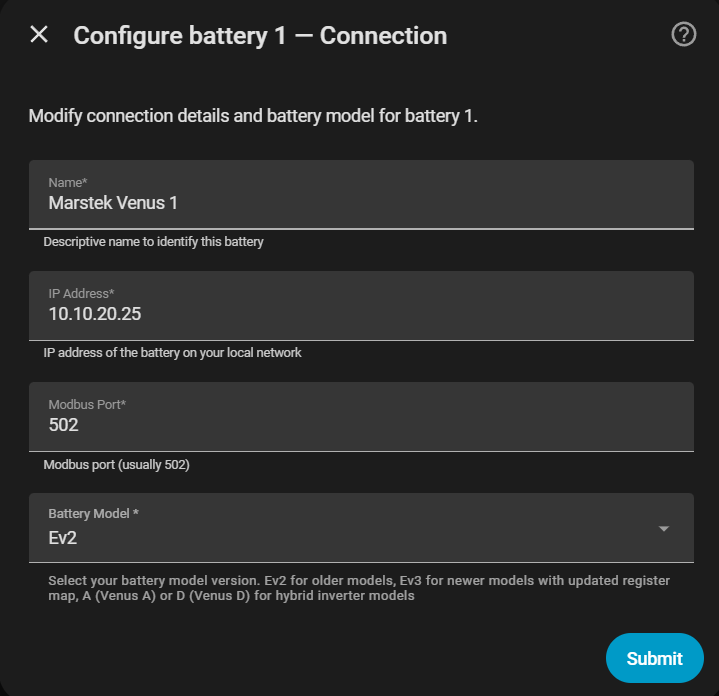
The wizard asks for:
| Field | Description | Default |
|---|---|---|
| Name | Name used for the battery device | — |
| Host IP | IP address of the battery or Modbus converter; leave empty for RTU | — |
| Modbus port | TCP port | 502 |
| Serial port | USB–RS485 path, for example /dev/ttyUSB0 or COM3; use instead of the host for RTU |
— |
| Modbus slave ID | Unit ID when several batteries share one endpoint | 1 |
| Battery version | Register map for the installed model | — |
When using the LilyGo bridge, choose Marstek via LilyGo RS485 (ESPHome) in the brand selector and select the ESPHome device. The bridge must expose the required Marstek entities in Home Assistant.
Battery versions
| Version | Models |
|---|---|
v1/v2 |
Venus E v1, Venus E v2 |
v3 |
Venus E v3 |
vA |
Venus A |
vD |
Venus D |
Maximum power 2500 W
Use 2500 W only when you are certain that the domestic installation can safely handle it.
Marstek-specific limits
The limits page includes the common charge/discharge power, SOC and backup threshold controls. Marstek also exposes the 100% charge voltage taper: when the target is 100%, charging is limited to 200 W from a maximum cell voltage of 3.48 V. Venus E models stop at 3.60 V so the integration can measure cell imbalance after 60 seconds; Venus A/D models with coupled packs keep charging at 200 W until their BMS cuts off.
This voltage-based protection and the cell-balance monitor are Marstek-specific. See Cell balance monitor for the measurement and recovery sequence.
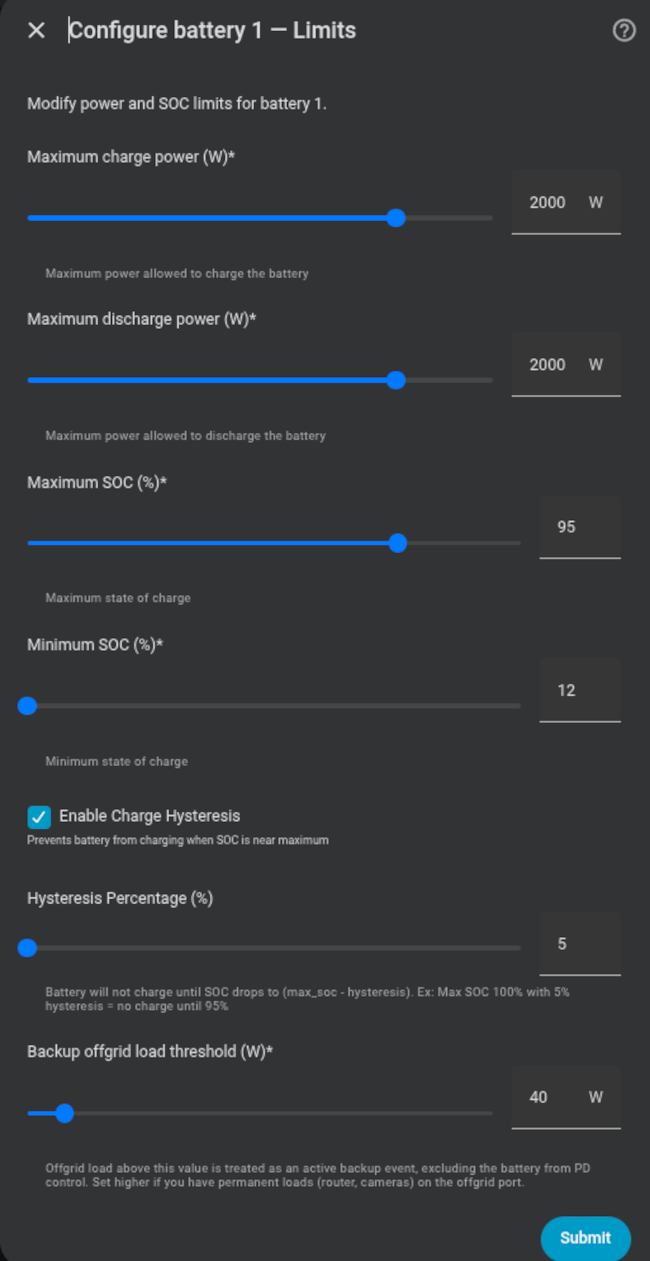
For SOC sliders, runtime power limits, system caps and backup thresholds, see the common battery settings.